
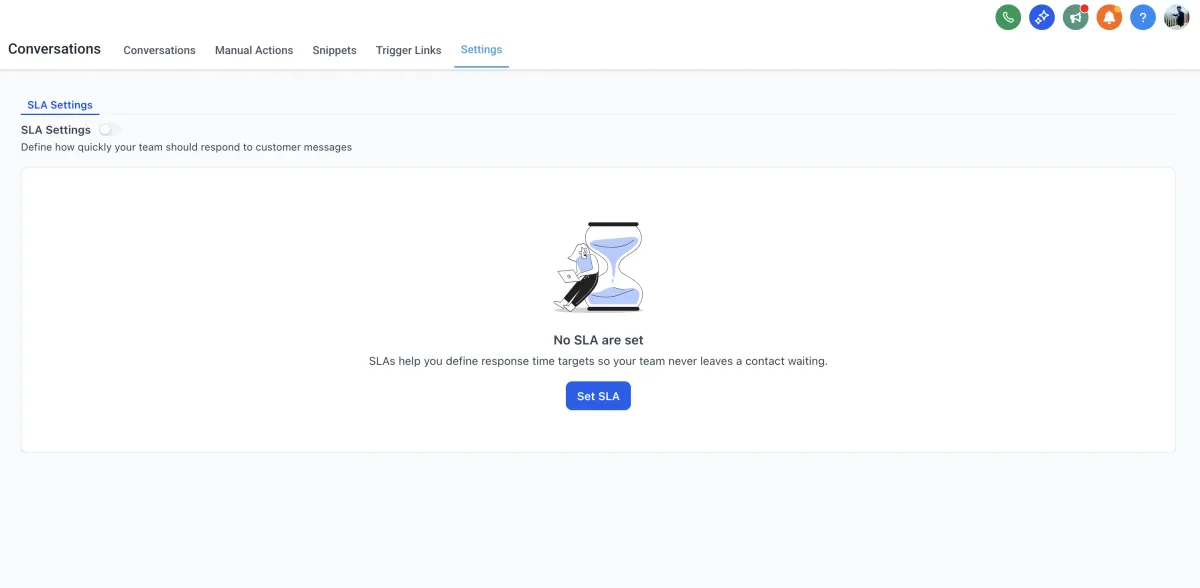
Response Time SLAs (Conversations)
📥 Overview
In fast-moving inboxes, every minute counts. Conversation SLAs help you define how quickly your team should respond to customer conversations and bring visibility to those expectations - right inside the Conversations inbox. Once enabled, each conversation displays a live timer that indicates whether it’s on track, due soon, or overdue, helping agents focus on the most time-sensitive conversations first. You can also customize SLAs for different channels - giving you full control.
✨ What’s New
Set Ideal Response Times: Define clear reply targets for your team so everyone knows what “fast” means for your business.
Channel Flexibility: Apply one SLA across all channels or customize response times per channel like Email, SMS, or Facebook.
Live SLA Timers in Conversations: Timers automatically appear beside each conversation, changing color based on urgency — Grey (Active), Orange (Due Soon), Red (Overdue).
Smarter Automation Handling: Choose whether workflow messages or AI Agent replies should count as valid responses toward your SLA.
New Filters & Sorts: Quickly identify urgent conversations with filters for SLA status and sorting by Longest SLA Overdue or Next SLA Target.
🔍 Why This Matters
Conversation SLAs bring structure and visibility to your response process — ensuring your team never misses a reply window again.
⏱ Stay responsive: Agents instantly see which conversations are approaching their deadline.
🧭 Prioritize better: The color-coded timers make it clear which chats need attention first.
⚙️ Flexible for every channel: Different channels can have different SLAs that match their urgency.
In short, SLAs keep your team focused, your customers satisfied, and your response times consistent.
Note: This feature is available only with the new Conversations UI. Please make sure to enable the “CRM Redesign: Conversations + Contact Detail Page” from Labs to access Conversation SLAs.
